Overview
In this module, I learned about sequences, screen direction, and how they come together to create continuity. Often there are differences in takes when shooting sequences, and when they are edited together, they disrupt the continuity. At the end of this module, I made a how-to video to test my ability to maintain continuity and practice creating sequences and screen direction.
Reading and Writing
Chapter 3 Basic Sequence – The Bare Bones Camera Course for Film and Video By Tom Schroeppel
The purpose of a basic sequence is to break up a scene and keep it visually interesting. It also allows the editors to create emphasis to help tell the story. Sequences are made up of different shots. A wide shot, or establishing shot, shows the viewer where the subject is and any other important information. A close-up shot is the tightest you will get to the subject, and a medium shot is somewhere in between the wide and close-up. The cutaway is one of the most helpful shots for editors. In dialogue scenes, cutaways often show one character talking, then cut to the other character listening, and then back to the character talking while they are wrapping up.
Each new shot must have a different image size and camera angle when shooting a sequence. Doing so keeps the sequence interesting and makes cutting between shots easier. Without these changes in camera position, small changes in different shots create jump cuts when edited together.
Another way to ensure smooth transitions is to cut on action because the viewers pay attention to the action rather than other elements of the scene that may change. To create a cut on action, have the subject complete the same action and shoot it using two different shots, such as a wide and a medium. Show the beginning of the movement in one shot and then cut to the other shot for the second half of the action.
Clean entrances and clean exists help maintain continuity and allow for more flexibility in editing. A shot with a clean entry and exit has something alone in the frame, then someone else enters, change occurs, and the person exists. For example, a shot might have a notebook and pen sitting on a table, then a hand enters and writes in the notebook, sets the pen down, and exists the frame. A shot like this could then be used as a cutaway in a day-in-the-life video or a vlog about journaling.
Chapter 4 Screen Direction – The Bare Bones Camera Course for Film and Video Tom Schroeppel
Schroeppel defines screen direction as “the direction people and things face when viewed through the camera.” When the camera crosses the line, people and things abruptly face the opposite direction. The line is an imaginary axis that determines which direction things face when viewed through the camera. Crossing the line creates an abrupt change in the direction mentioned earlier.
Generally, crossing the line breaks continuity and confuses the audience because it appears as though the characters have moved. One way to have the camera cross the line and maintain continuity is to have the subject move (rather than the camera). Another way to cross the line is with continuous camera movement using a dolly. You can also cross the line if you stop on it and settle on a neutral shot before moving on to the other side of the line. A similar effect can be achieved using a POV shot between each side of the line. You can also try cutting on the action, so the audience has something to focus on while the line is crossed.
One helpful trick is pivoting the line. This approach is useful in situations like interviews or dialogue when the characters don’t move around too much. Pivoting the line allows us to hide unwanted elements in the background or make the background behind two subjects appear the same even when it cannot be. For example, if two people are talking and the background of one is a forest, and the other is a street, we can pivot them to make it look like they are standing in the woods rather than at the edge of the road.
Research to Inform
Titanic
This scene from Titanic shows smooth continuity through multiple angles. The camera doesn’t cross the line and frequently cuts between the two characters, so the scene remains visually engaging. Additionally, there are no noticeable discrepancies in the appearance of the characters or the setting.
The Princess Bride
This scene from The Princess Bride has smooth continuity until 2:11, when Princess Buttercup’s hair is suddenly all pushed behind her shoulders. Until that moment, the camera does not cross the line, and all items on the rock between the two men maintain their position. The movement of the hair breaks continuity because the pace of the cuts would not give Princess Buttercup time to brush her hair back without it occurring on camera. At 2:50, her hair returns to its original position and then goes behind her shoulder again at 3:19.
Ferris Bueller’s Day Off
This scene from Ferris Bueller’s Day Off has very smooth continuity. The camera never crosses the line and uses wide shots to transition between location changes which helps the audience understand what is happening and maintain the line. The characters’ appearance also stays consistent. The large crowd in this scene helps maintain continuity because it cuts to different people each time, eliminating the risk of difference in appearance from cut to cut.
Twilight
This scene from Twilight, when Bella is in the hospital, lacks continuity. There is a wide range of shots, from extreme close-up to wide shots, and her oxygen tube moves many times in these shots. In all of the extreme close-ups, the tube arches high over her cheeks, often touching her eyelashes, but the tube falls much lower on her cheeks in the medium shots. This discrepancy shows that they shot the scene multiple times and that time passed between takes because the oxygen tube had time to relax and take a different, less coiled shape.
Create
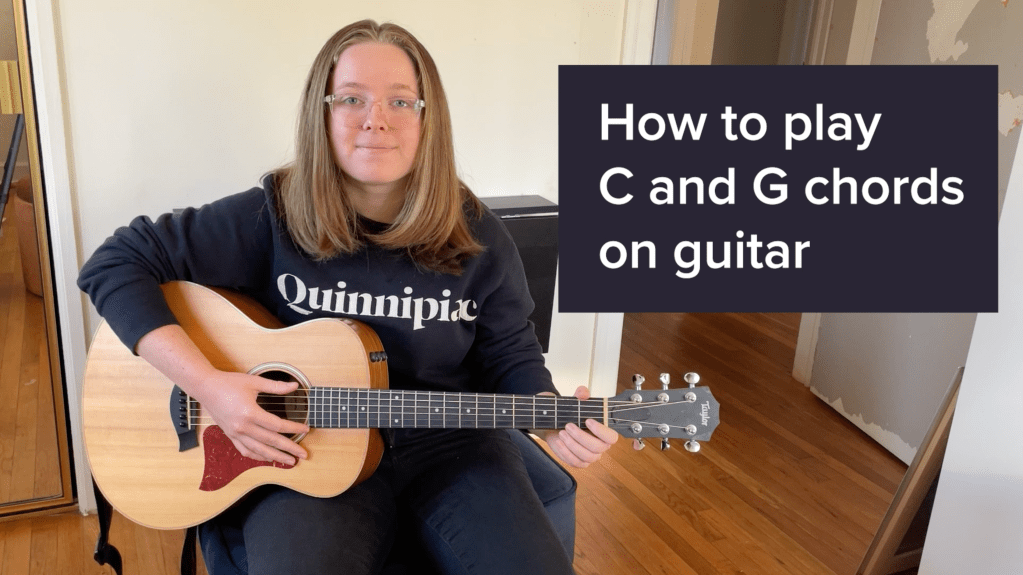
In this module, I made a tutorial video using cutaways so I could practice creating and maintaining continuity. The most challenging part of this project was shooting the master shot. I wanted to do it all in one take, so it was consistent, but I kept messing up what I was saying and had to shoot it multiple times before having a successful run-through. I enjoyed editing the video and piecing the close-ups together with the wide shot.
 Victoria Lorenz